
Picks #1 — MacBook Pro M5 review: A Windows user’s honest one-month experience
Picks · May 10, 2026 · Picks #1
MacBook Pro M5 review: a 10-year Windows user’s honest log after one month of daily use. The friction points spec sheets never mention, and why I still wouldn’t go back.
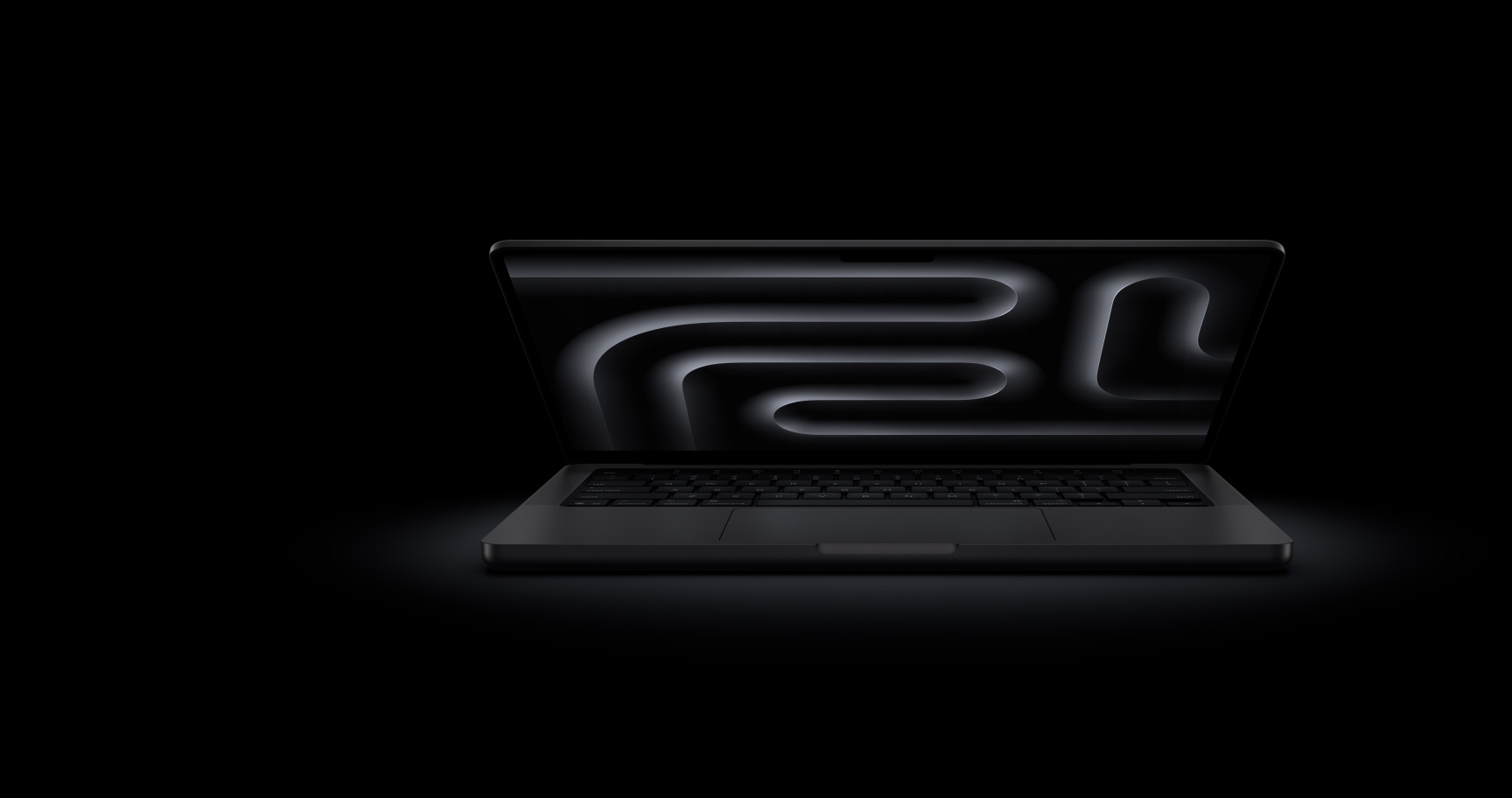
I used a MacBook Pro M5 32GB/1TB for a month. Before that, I had spent nearly 10 years exclusively on Windows desktops and gaming laptops. This isn’t going to be a “Mac is automatically better” piece. The good parts are genuinely good. The bad parts are genuinely annoying. Here’s what catalogs don’t tell you.
- The SSD is the headline. 6,323 MB/s read isn’t a number — it’s how long you wait for a build.
- 32GB isn’t excessive. Docker, 30 Chrome tabs, and VS Code together never hit swap.
- The first two weeks hurt. Shortcuts, language switching, Finder — every small habit gets wrong.
- Korean office software is the real wildcard. HWP files and government sites still favor Windows.
- I still won’t switch back. Battery, silence, and iPhone integration are different leagues.
1. MacBook Pro M5 review — first impressions after a month
The first thing I noticed opening the box: silence. My Windows gaming laptop sounded like a jet engine under load. The MacBook Pro M5 stays nearly inaudible even when running Xcode builds or editing 4K footage. Heat barely climbs above lukewarm at the top of the keyboard.
Specs: 14.2-inch Liquid Retina XDR (3024×1964, 120Hz), 32GB unified memory, 1TB SSD, 1.55kg. I took it to a café for four hours of coding, an hour of Zoom, and two hours of video editing. Battery still had nearly half left. Apple’s “up to 24 hours” is marketing, but real-world 14–16 hours is genuinely achievable.
Why I picked the 32GB/1TB build
MacBook unified memory is shared by CPU, GPU, and Neural Engine — different beast from regular RAM. 16GB is fine for light use, but spin up two or three Docker containers, 30 Chrome tabs, and VS Code at once and you’ll hit swap fast. And here’s the catch: you can’t upgrade memory or SSD later. You decide at purchase, period.
With 32GB, I haven’t seen memory pressure once in a month. Activity Monitor consistently shows 10–12GB free. The 1TB SSD has been equally future-proof — video projects and Docker images combined still leave half the drive empty.
2. Where Windows differs most — SSD speed and thermal behavior
What frustrated me most about Windows laptops was inconsistent performance. Even my gaming laptop hit thermal throttle after five minutes, then ran slower for the rest of the session. The MacBook Pro M5 essentially doesn’t have that cycle. SSD read speeds reach 6,323 MB/s and write hits 6,068 MB/s — and you feel it whenever you touch large files.
Concrete numbers: building the same Next.js project (~80,000 lines, node_modules included) took 47 seconds on average on my Windows i7-12700H laptop. The M5 did it in 22 seconds. Docker container startup time dropped by more than half. Apple’s official announcement states SSD speeds roughly doubled over the previous generation.
Heat and noise — café-friendly performance
The most common question I get about this MacBook Pro M5 review is “how loud are the fans?” In a month of use, I’ve heard them exactly once — during a 30+ minute 4K render. And even then, it was at the level Windows users would describe as “a quiet desk fan.” The person sitting next to you in a café will not notice.
3. Six things Windows users actually struggle with
Listing only positives turns a review into an ad. This is where any honest MacBook Pro M5 review has to be unflinching. For the first two weeks, I thought “should’ve stuck with Windows” at least once a day. Here’s everything that grated, in full.
① Every shortcut is different (Ctrl → Command)
Copy-paste is Command+C/V, not Ctrl+C/V. Window close button is the red dot in the top-left, not top-right. My fingers couldn’t find anything for a week. With an external keyboard you can use Karabiner-Elements to remap to Windows-style, but it conflicts with MacBook trackpad gestures. Better to just adapt — by week two your hands rewire automatically.
② Korean/English switching is awkward
MacBooks have no dedicated Korean/English toggle key. Default options are Caps Lock or Command+Space, both of which lag behind fast typing and produce mixed-language typos. Two fixes: remap the right Command key to language switching in System Settings, or install Gureum Input Method, which behaves like the Windows IME Korean users expect. I went with the latter — for Korean users, it’s effectively mandatory.
③ Finder is thinner than Windows Explorer
Finder feels less capable than Windows File Explorer. The address bar is hidden by default, and there’s no Cut. Enable path bar and status bar in Finder Preferences to get closer to Windows behavior. For Cut, copy with Command+C then paste with Command+Option+V — same effect. The free ForkLift app gives you dual-pane and other power-user features.
④ HWP files and Korean banking sites
This is the biggest variable. Hancom HWP files don’t open natively on Mac. If you regularly receive school or government documents, you’ll need Hangul for Mac (paid). For occasional viewing, the free Hancom Docs web version is enough. Most banking apps now work fine on iPhone, but a handful of government identity-verification flows still demand a Windows EXE. I hit this two or three times in a month — solved by borrowing an old Windows machine.
⑤ Scroll direction is inverted
MacBook trackpad uses “natural scroll” by default — opposite of Windows mouse wheel. Unchecking it reverts to Windows-style, but then trackpad direction flips too. To keep trackpad natural and only invert external mouse, install the free Scroll Reverser.
⑥ Game library is narrow
No fix for this one. Less than 30% of Steam titles run natively on Mac. CrossOver and Parallels can run some Windows games, but with significant performance loss. Serious gamers can’t make a MacBook their only machine — you need a separate Windows PC for play.
4. Why I still won’t go back to Windows
After listing six annoyances, the natural question is “so why bother?” The answer: the adjustment cost is paid once in the first 2–4 weeks. The benefits compound daily after that.
Battery: working a full café day without a charger was nearly impossible on my Windows laptop. Silence: I can run a build during a video call without anyone noticing. iPhone integration: AirDrop moves a photo in one second — replacing my old “send-to-self in messenger” workflow. Trackpad quality: I genuinely stopped using an external mouse.
“The MacBook is short-term adjustment cost in exchange for long-term productivity. Survive two weeks and Windows starts feeling sluggish.”
— After one month with MacBook Pro M5
5. Who should buy it, who shouldn’t
Recommended for: developers (especially iOS, web, Docker-heavy stacks), video editors working in 4K or higher, AI practitioners running local LLMs or Stable Diffusion, designers leaning hard on Adobe and Figma, and anyone who wants to step up the quality of their daily working environment.
Not recommended for: primarily gamers, anyone whose job hits Korean government or financial portals multiple times a day (tax accountants, legal practitioners), and people locked into Windows-only software (certain CAD tools, deep Hancom Office workflows). For these cases a Windows laptop wins, period.
6. Verdict — what I think after a month
One-line summary of this MacBook Pro M5 review: “Expensive, awkward at first, and I still don’t regret it.” The 32GB/1TB build is undeniably pricey, but given that memory and SSD can’t be upgraded later, going generous from day one is the rational long-term move. The differences from Windows are ultimately matters of adaptation — and once you’ve adapted, the daily working quality is on a different level.
The link below is a Coupang Partners affiliate link. If you click and purchase, the author receives a commission. There is no additional cost to the buyer.
※ This post is part of the Coupang Partners program. The author receives a commission, but buyers pay no additional cost.